What is in the set
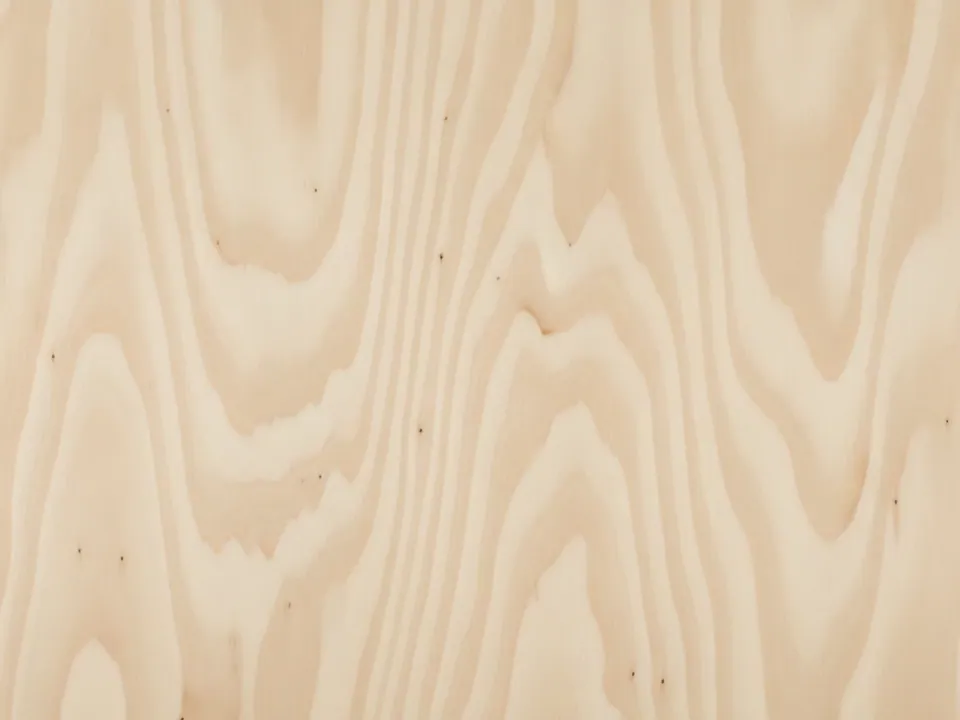
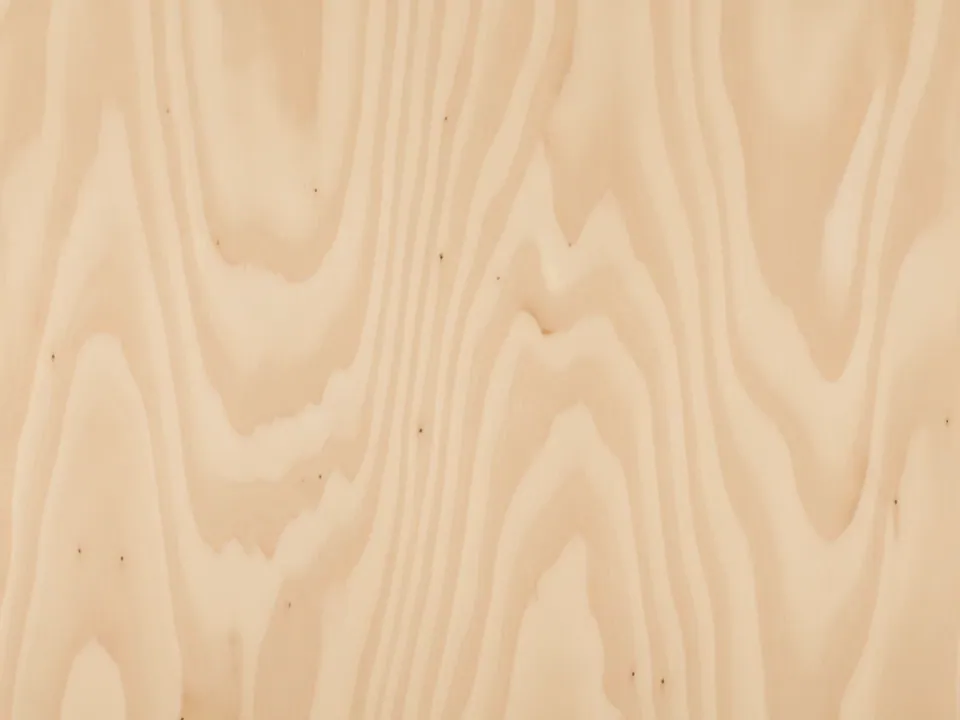
The set has two JPG files at 1600x1200 px, each a flat, top-down photo of a light birch plywood sheet. The grain is soft and wavy rather than straight, and small patches where thin veneer layers meet break up the surface in a gentle, even way. The studio lighting is clean and shows no shadow or glare.
The variants are named Original and Warm. Original keeps the pale, slightly yellow birch tone true to a fresh-cut sheet, while Warm shifts it toward a deeper honey color for a cozier studio feel. Both files show the same patches and wavy grain, just with a different color balance applied.
Plywood reads as light and practical, closer to light oak planks than to a photographed plank floor, since the surface is flat, man-made and free of knots or cracks. That flatness makes it easy to place sharp product shots on top without mismatched shadows.
Where it works
Plywood suits sites that want a workshop or maker feel without looking worn:
- Maker spaces, workshops and tool rental sites
- Furniture, DIY and home improvement stores
- Children's toy and product pages, which often use birch tones
- Studio and design portfolio backdrops
Browse the full set in wood backgrounds, where it sits alongside other light, even surfaces.
How to use it in CSS
Plywood grain is fine, so it benefits from a sharp, high-resolution display. On screens with a high device pixel ratio, image-set lets the browser pick the right file without extra markup changes.
.workshop-hero {
  background-color: #e3cfa0;
  background-image: image-set(
    url("plywood-original.jpg") 1x,
    url("plywood-original@2x.jpg") 2x
  );
  background-size: cover;
  background-position: center;
}
If you only have the single 1600x1200 file, drop the 2x line and rely on background-size: cover, since the fine grain still reads clearly at normal screen density. Export guidance for both web and print sizes is in background resolution for web and print.